Idea Pins Are Gone: What Replaced Them & What to Use Now
Short answer: you no longer have to choose. Pinterest announced in May 2023 that idea pins and regular pins were merging into one unified pin format, and organic idea-pin creation was retired during 2024. Existing multi-page idea pins were converted to video pins, and the "idea" name now survives only as Idea ads, a paid format for advertisers. If a guide still tells you to weigh "idea pins vs standard pins," it's describing a Pinterest that no longer exists.
What happened to idea pins?
Idea pins were Pinterest's multi-page, full-screen, story-style format. They were great for on-platform engagement — and famously frustrating for creators, because they couldn't carry a clickable link to your website. Pinterest resolved that tension by folding everything into one pin format:
- May 2023: Pinterest announced pins and idea pins would merge into a single format.
- During 2024: the option to create organic idea pins was removed from accounts.
- Your old idea pins weren't deleted — multi-page idea pins were converted into video pins.
- Idea ads (the paid version) still exist for advertisers, which is why the name hasn't disappeared completely.
The practical upshot is the best part: every pin format can now carry a link. The old tradeoff — reach without a link, or a link without the full-screen format — is gone.
The pin formats that exist now
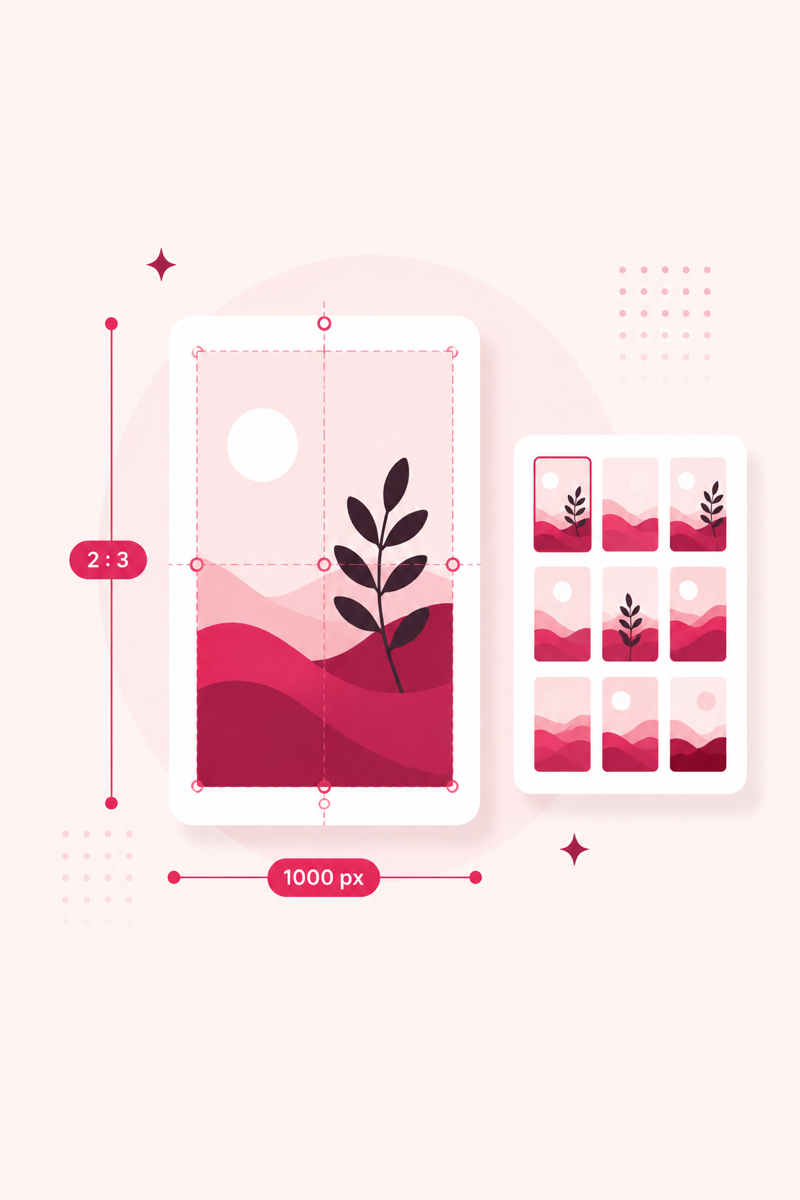
- Image pins — the classic 2:3 vertical pin. Still the workhorse for search traffic: it ranks by the keywords in its title and description and keeps surfacing for months. (Sizes in the pin size guide.)
- Video pins — full-screen vertical video, which is also what your old idea pins became. Strong for reach and engagement, and yes, they carry links now.
- Carousel pins — several images in one pin that people swipe through. The closest spiritual successor to the multi-page idea pin, with a link.
- Product pins — for shops, with live price and stock details pulled from your catalog.
What to publish now: a simple split
The old "traffic vs engagement" logic still exists — it just lives inside one format family now.
- Your default should still be keyword-optimized image pins. They're the format that ranks in search long-term and sends steady clicks to your site. Optimize the title and description with the free keyword tool, and check them with the pin SEO score before publishing.
- Add video pins for reach when you have material that moves — a process, a before/after, a quick how-to. Expect more impressions and saves relative to outbound clicks.
- Use carousels for step-by-step content that used to suit idea pins: recipes, tutorials, multi-part tips.
Whatever the format, the ranking levers are the same: a keyword near the front of the title, a natural 100–500 character description, and a fresh image. That playbook is in Pinterest SEO, explained simply.
FAQ
Can I still make idea pins?
No — organic idea-pin creation was retired during 2024. On current accounts you create a pin (image, video or carousel). The paid "Idea ads" format still exists for advertisers.
What happened to the idea pins I already published?
They weren't deleted. Pinterest converted existing multi-page idea pins into video pins, so they continue to appear and count toward your content.
Do video and carousel pins have links?
Yes. That's the biggest win from the merger — every current pin format can carry a clickable destination link, which idea pins never could.
Which format gets the most traffic?
Keyword-optimized image pins are still the most reliable source of outbound clicks, because they rank in search for months. Video tends to win impressions and saves; image pins tend to win clicks.
Free: Pinterest Keyword Starter Kit
120 copy-paste keywords across 12 niches, plus a pre-publish pin SEO checklist. Enter your email and the kit opens instantly.
No spam — occasional Pinterest SEO tips. Unsubscribe anytime.