Pinterest for Bloggers: How to Drive Traffic to Your Blog
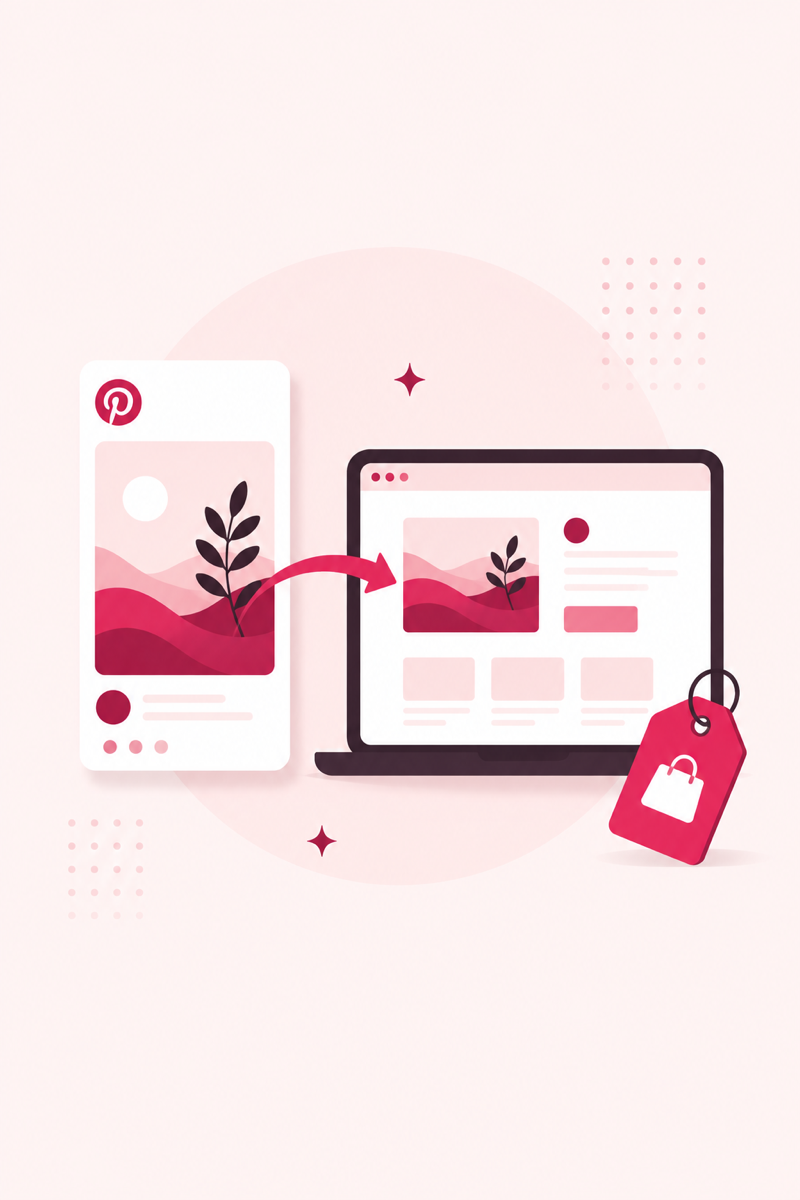
For many bloggers, Pinterest sends more traffic than Google — and unlike social feeds, a good pin keeps sending visitors for months. Here's how to make it work.
Why Pinterest works so well for bloggers
The important thing to understand is that Pinterest is not really a social network — it's a visual search engine. People arrive with intent, typing phrases like "easy weeknight dinners" or "small bedroom storage ideas" into the search bar. When your pin matches that search, it can surface days, weeks, or even years after you first published it. A tweet dies in an hour and an Instagram post fades in a day, but a well-optimized pin behaves much more like a page ranking in Google: it keeps getting found and keeps sending readers to your blog long after you've moved on to the next post.
That evergreen quality is exactly why Pinterest suits bloggers. Your archive isn't dead weight — every old how-to, recipe, or roundup is a page that can earn fresh clicks the moment someone searches for it. The job isn't to go viral; it's to put keyword-optimized pins in front of the people already looking for what you wrote. Once you see it that way, the workflow below falls into place.
A simple weekly workflow
You don't need to live inside Pinterest to make it work. A steady, repeatable routine beats sporadic bursts of effort every time. Here's a weekly rhythm that fits around normal blogging:
- Pick the target keyword. For each post you want to promote, decide on the one search phrase it should rank for on Pinterest — the same phrase a reader would actually type.
- Create 2–4 distinct vertical pins per post. Not the same image reposted — genuinely different designs with different text overlays and angles, so you get several shots at matching a search.
- Schedule them consistently. Spread those pins out over days rather than dumping them all at once. A steady trickle signals a healthy, active account.
- Keep fresh pins flowing. Rotate in new designs for older posts too, so your best evergreen content keeps getting fresh pins long after publishing.
Which posts to pin — and how to map keywords
Some content simply performs better on a visual search engine. Prioritize posts that are easy to summarize in a single striking image with a clear promise:
- List posts — "12 budget meal-prep ideas" — because a number sets a clear expectation.
- How-to and tutorial posts, where readers are actively searching for a solution.
- Seasonal content — holidays, back-to-school, spring cleaning — which spikes on Pinterest weeks before the date arrives.
- Visual posts — recipes, crafts, home decor, outfits, printables — that photograph well.
Mapping matters just as much as picking. A blog keyword and a Pinterest search phrase aren't always identical: your SEO target might be "affordable home office setup," while searchers on Pinterest phrase it "small home office ideas on a budget." Use the keyword research method to find the phrases real users type, then bake those exact words into your pin titles and descriptions.
Pin design basics for bloggers
You don't need to be a designer, but a few fundamentals make pins far easier to find and click:
- Go vertical, 2:3. A 1000×1500px image takes up more feed space and reads well on the phones most people scroll on.
- Add a readable text overlay. Large, high-contrast type that states the promise, so the pin makes sense even without the caption.
- Put the keyword where it counts. Include your target phrase in the pin title and the description — that text is what Pinterest reads to decide what your pin is about.
- Link straight to the post. Send the click to the exact page, not your homepage, and check each pin with the free Pin SEO score before you publish.
Consistency beats volume
If you take one habit from this guide, make it consistency. Pinning a handful of pins every day, week after week, will out-perform a hundred pins dumped in a single afternoon and then silence. Steady activity is how the platform learns that your account is reliable, and it's how your traffic compounds instead of spiking and crashing. This is where a scheduler earns its keep — set your pins in advance and the routine runs itself even on the weeks you're busy. If you're new to it, our guide on how to schedule pins on Pinterest walks through the setup.
Turning traffic into revenue
The honest appeal of all this is simple: Pinterest sends readers to your blog, and your blog is where you actually earn. Those visitors can view display ads, click affiliate links, or join your email list so you can bring them back later. Because good pins keep working for months, the traffic — and the revenue that rides on it — tends to build quietly in the background rather than depending on any single post going viral. Optimize the pin, deliver on its promise once readers land, and let consistency do the compounding.
FAQ
How long until Pinterest sends blog traffic?
Expect a slow build over 3–6 months as pins gain traction. Well-optimized pins then keep sending traffic for a long time.
How many pins should I make per blog post?
Three to five different images over time, each with its own keyword-optimized title and description.
Put this into practice
Free PinRank tools — no signup, results in seconds:
Want rank tracking and deeper pin analytics on top? PinClicks covers that side (affiliate link — it helps keep PinRank's tools free).
Free: Pinterest Keyword Starter Kit
120 copy-paste keywords across 12 niches, plus a pre-publish pin SEO checklist. Enter your email and the kit opens instantly.
No spam — occasional Pinterest SEO tips. Unsubscribe anytime.