Best Pinterest Affiliate Programs to Join
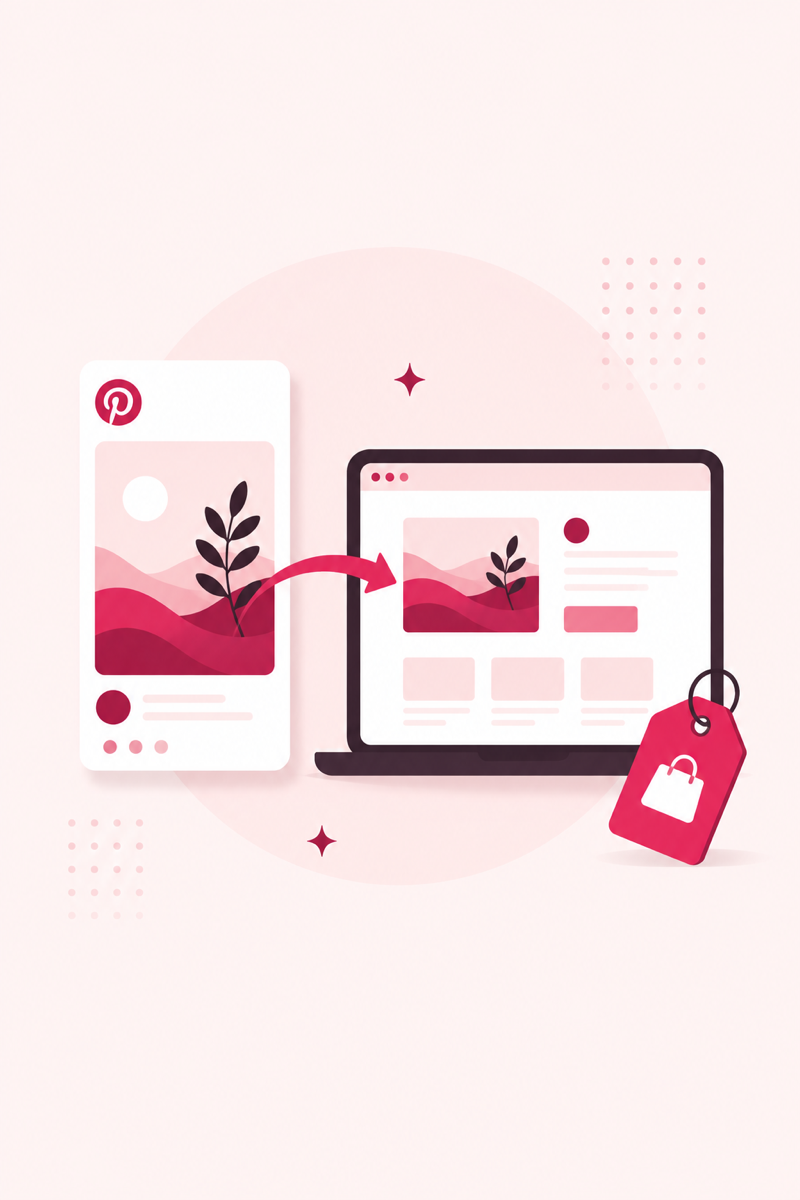
Pinterest sends motivated buyers to whatever you link — but not every affiliate program fits the platform, and how you link matters as much as what you promote. Here are the programs worth joining and the setup that keeps you compliant and earning.
Affiliate programs that work well on Pinterest
Pinterest users plan purchases — recipes, home projects, gifts, wardrobes — so product-heavy programs convert best. You don't need all of these; pick two or three that match your niche and go deep.
- Amazon Associates: Huge catalog and instant trust, but commissions are low (often 1–4%) and cookies last only 24 hours. Best for high-volume everyday products.
- ShareASale & Impact: Networks hosting thousands of individual brands, often with higher rates and 30-day cookies. This is where most bloggers find their best-paying partnerships.
- LTK: Popular with fashion, beauty, and home creators. Strong for visual, shoppable content that matches Pinterest's style.
- Etsy affiliates & digital products: Etsy pays on handmade and vintage finds via its affiliate program, and digital products — printables, templates, courses — often pay 30–50% with instant delivery.
Direct links vs. pinning to a blog post
Pinterest allows direct affiliate links, but we strongly recommend sending pins to a blog post instead. Direct links are fragile: affiliate URLs break, programs change terms, and you can't retarget or rank a link. A blog post you own can hold many affiliate links, gets indexed by Google, and lets you update products without touching your pins.
The blog-post route also converts better. A reader who lands on "7 Kitchen Gadgets Under $30" is warmed up and ready to click through to the retailer, versus being dumped straight onto a product page from a pin. If you're building this into a bigger plan, our guide to Pinterest affiliate marketing walks through the full funnel.
FTC disclosure and Pinterest's rules
Two rules keep you out of trouble. First, the FTC requires clear disclosure whenever you earn a commission — a simple "This post contains affiliate links" at the top of a blog post, or "#ad" / "affiliate" wording, does the job. Vague or hidden disclosures don't count.
Second, follow Pinterest's own guidelines: no cloaked or redirecting links, no spammy repetition of the same affiliate pin, and no misleading claims. Pinterest has changed its stance on affiliate links before, so the blog-post approach also insulates you if the platform tightens rules again.
Point your affiliate pins at the right keywords
Affiliate pins only earn if people find them. Use PinRank's free tools to generate buyer-intent keywords and score your pin descriptions before you publish.
Open PinRank →Frequently asked questions
Are affiliate links allowed on Pinterest?
Yes, direct affiliate links are currently allowed, but Pinterest has restricted them in the past. Linking pins to your own blog post is safer and tends to convert better because readers arrive warmed up.
Do I need a blog to do affiliate marketing on Pinterest?
No, but it helps a lot. A blog lets you hold many affiliate links, rank in Google, and update products without editing pins. Direct links can work for simple, high-volume products.
How do I disclose affiliate links on Pinterest?
Add a clear disclosure such as "affiliate link" or "#ad" on the pin or in the description, and place a plain statement at the top of any blog post you link to. The FTC requires the disclosure to be obvious, not buried.