How to Sell on Pinterest
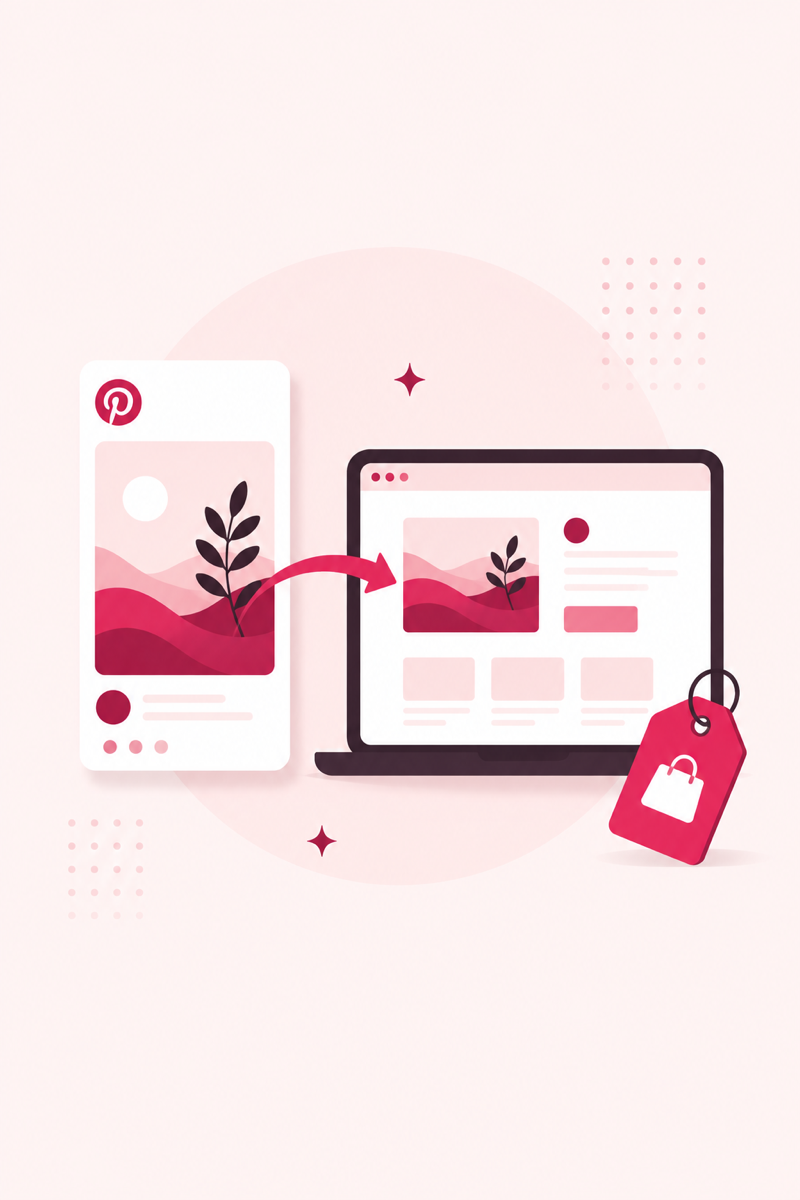
Pinterest is where people plan what they'll buy, which makes it one of the few social platforms where selling doesn't feel out of place. But you can't just post product photos and hope. Here's the practical setup that turns pins into clicks to your store.
Start with a business account and claimed site
Selling anything on Pinterest starts with a free business account. It unlocks analytics, ads, and — most importantly — the shopping features that consumer accounts don't get. If you already have a personal account with a following, convert it rather than starting fresh.
Next, claim your website (or Etsy/Shopify store). Claiming tells Pinterest the domain is yours, attributes every pin from your site back to you, and is required to enable rich pins. It's a five-minute step that too many sellers skip. If you're new to the platform basics, our Pinterest for small business guide covers the foundation.
Turn on rich pins, product pins, and catalogs
These features pull live data from your store so your pins stay accurate and look more credible. Set them up in this order.
- Rich pins: Free metadata sync that adds live pricing, availability, and your logo to pins. Enable it once your site is claimed — see our rich pins guide for the exact steps.
- Product pins: A type of rich pin built for e-commerce, showing real-time price and stock. Shoppers can tell instantly whether an item is available.
- Catalogs & shopping: Upload a data feed (Shopify and many Etsy tools do this automatically) so Pinterest turns your whole inventory into shoppable product pins in bulk, instead of pinning one at a time.
Write keyword-led product pins that link out
The single biggest mistake sellers make is treating Pinterest like Instagram — pretty images with vague captions. Pinterest is a search engine, so your pins need to say what the product is in words. A pin titled "Handmade ceramic mug" will be found; one titled "New drop 🤍" will not.
Put your main keyword in the pin title, then write a natural 1–2 sentence description that includes a few related terms and who it's for. Every product pin should link directly to that product's page — not your homepage — so buyers land one click from checkout. Make fresh pins for the same product with different images and angles over time; steady, varied pins tend to outperform a single upload.
Make every product pin searchable
Shoppers find products through keywords, not luck. Use PinRank's free tools to generate buyer-intent keywords and score your product pins before you publish.
Open PinRank →Frequently asked questions
Can I sell directly on Pinterest?
Pinterest itself doesn't process the sale — pins link out to your Etsy, Shopify, or other store where checkout happens. Product pins and catalogs make items shoppable, but the transaction completes on your site.
Do I need a business account to sell on Pinterest?
Yes. A free business account unlocks analytics, rich pins, catalogs, and shopping features that personal accounts don't have. You can convert an existing personal account without losing your pins.
How do I connect my Etsy or Shopify store to Pinterest?
Claim your website in Pinterest settings, then enable rich pins and upload a product catalog or feed. Shopify has a native Pinterest integration, and several Etsy tools can generate a compatible feed for you.